
STEP 1: Obtain and insert SIM card into Trackie
In Australia, we strongly recommend using ALDIMobile. They are on Telstra’s network and have the best value for a 365-day plan. Online ordering is $5 including shipping. The pre-loaded $5 value gives you 50MB data and that is sufficient for Trackie’s average use for 9-12 months.
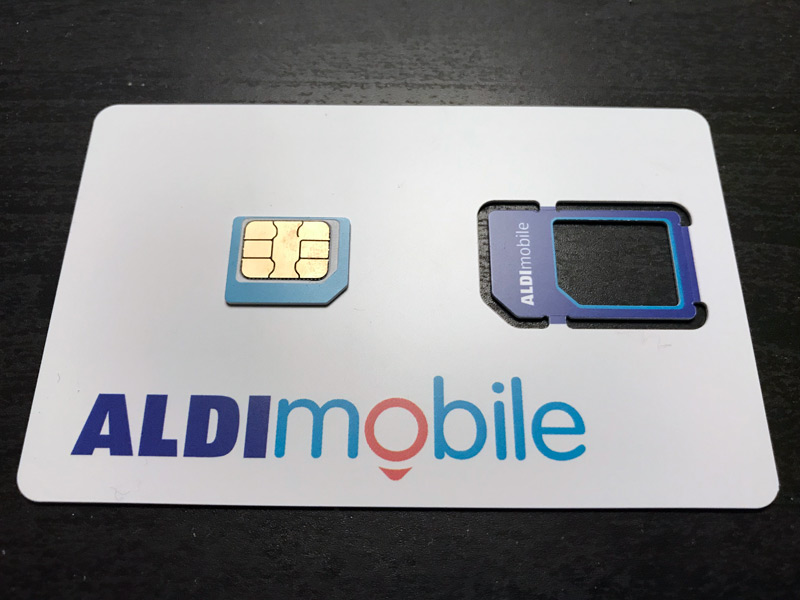
When you have received the SIM card, activate it online and stay in PAYG plan (no need to recharge). Pop out the SIM card in Micro SIM size and insert it into Trackie’s the SIM card slot (upper slot under side cover) in the direction shown below. Put back the cover if you like.
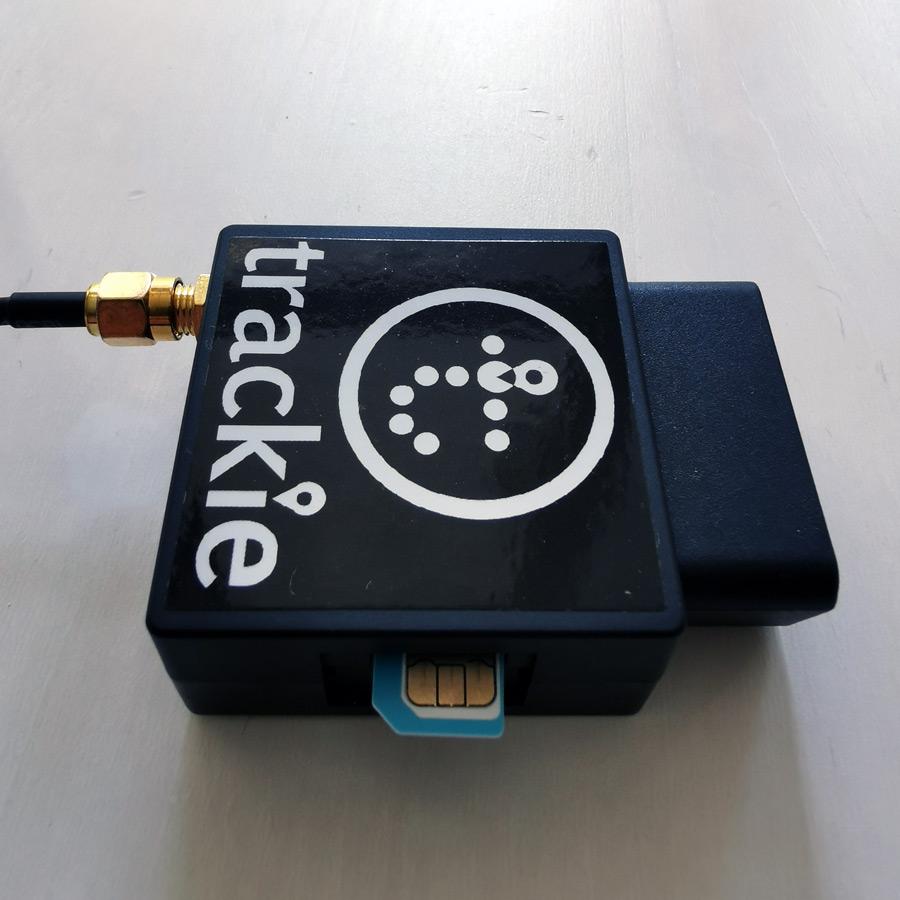
STEP 2: Plug Trackie into your car’s OBD port and place the GPS antenna anywhere exposed to sky
Connect Trackie’s GPS antenna and plug it into your car’s OBD port which is normally located under the steering wheel. The OBD port is an interface to a car’s ECU and also provides power.
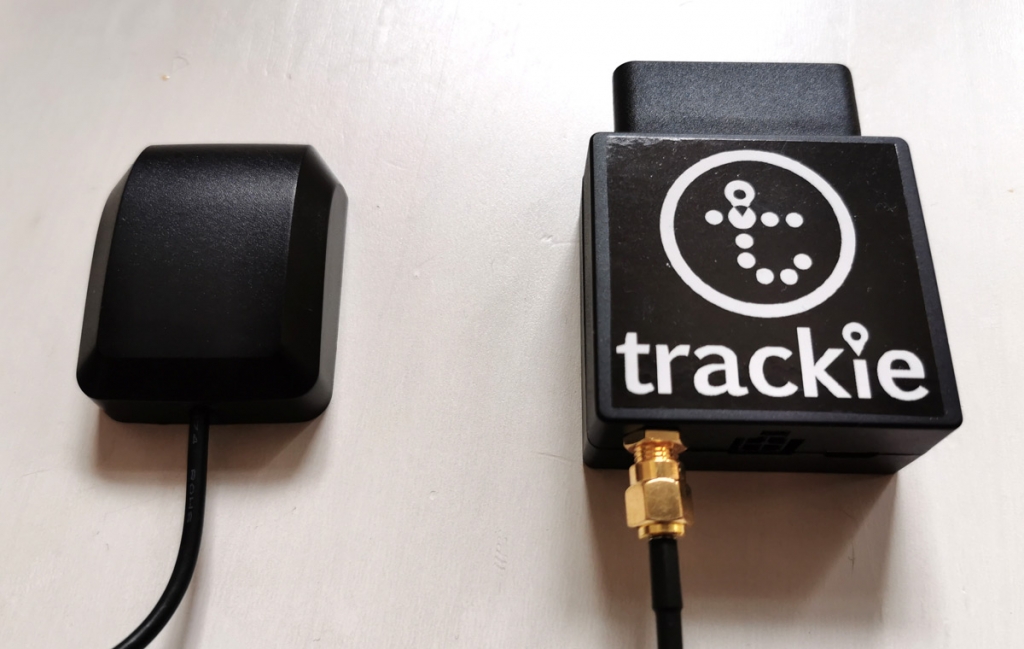
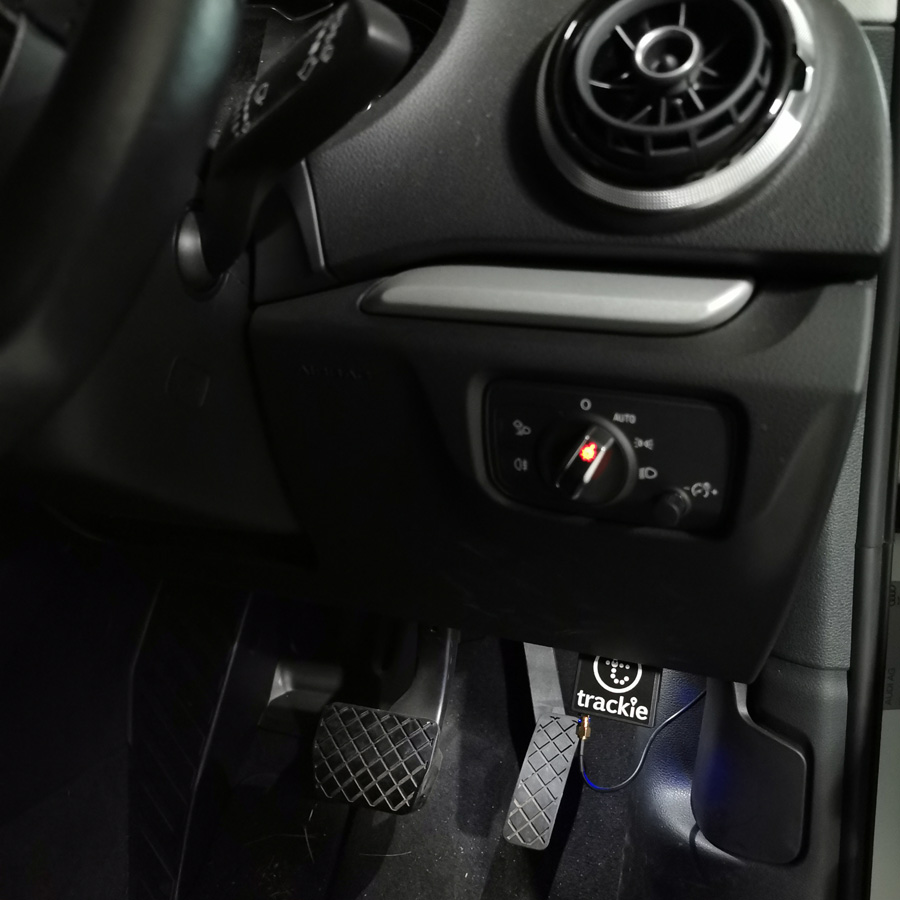
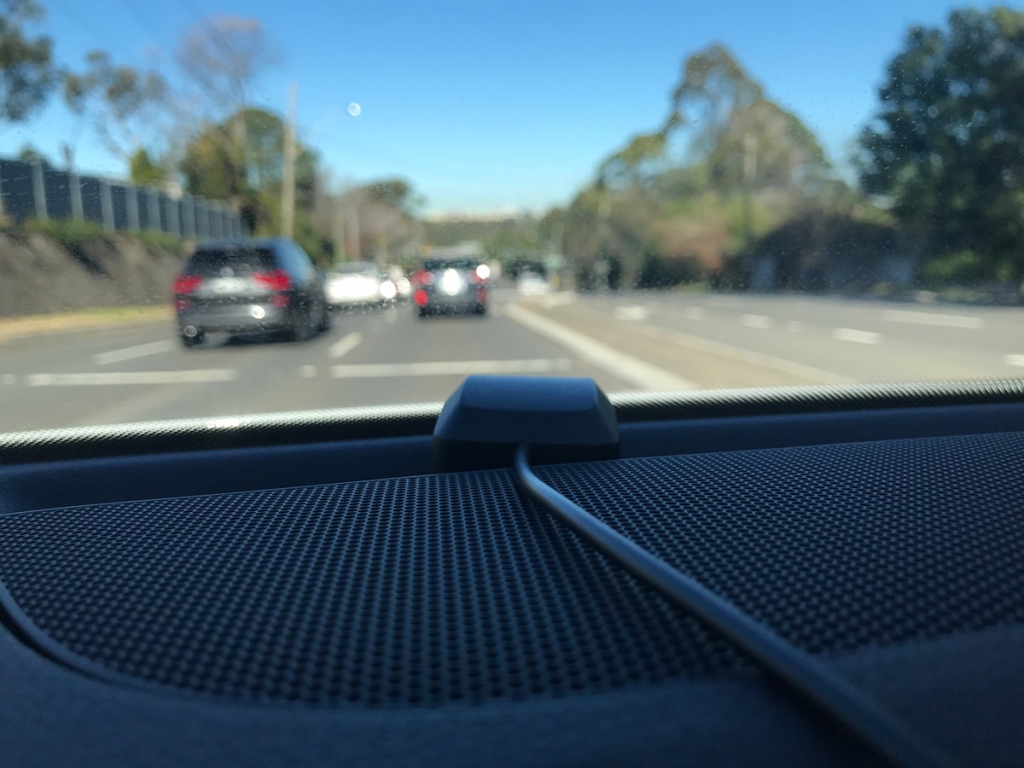
That’s it for the installation.
STEP 3: Visit Freetrac with browser on your phone, tablet or computer
Freetrac is Trackie’s dedicated cloud platform all built upon open-source software, including Freematics Hub and Traccar.
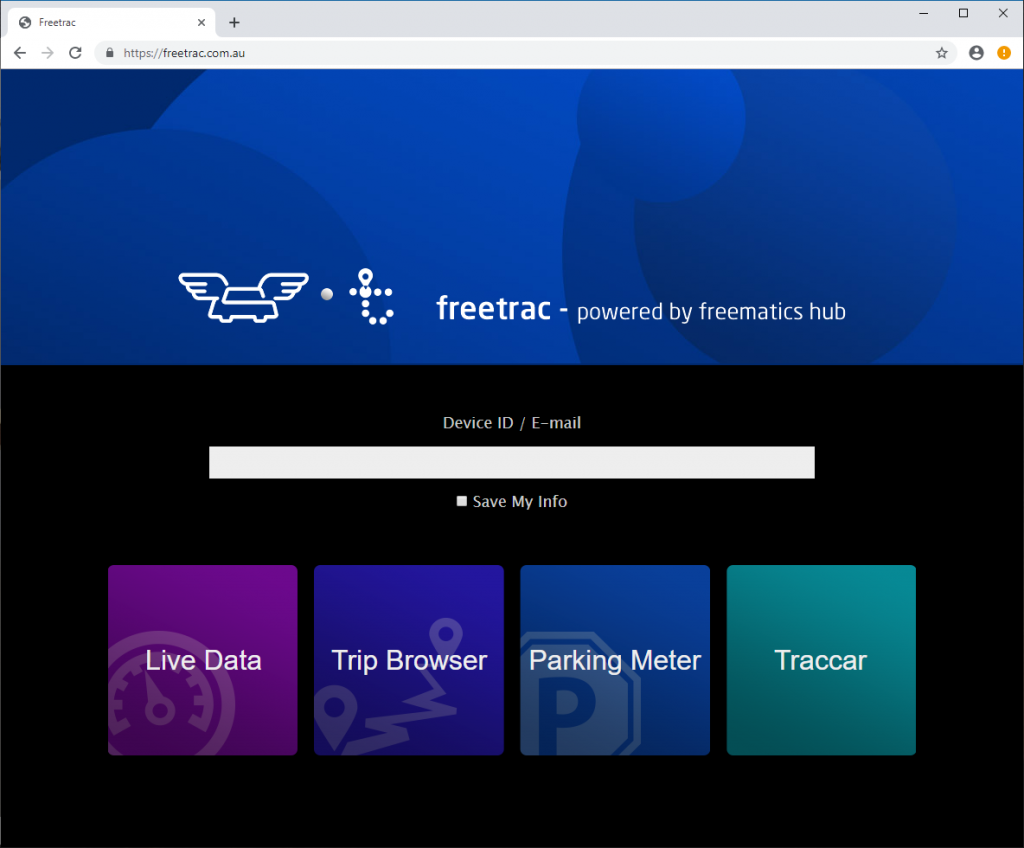
Now you have arrived at the portal of Freetrac. Enter your device ID (found on the back of the device) or your e-mail address (used when placing your order), and you can instantly access features with the feature blocks below.
Read on to explore the features of Freetrac Platform.